

FEATURES
Less autopilot. More choice.
URGEFLIP adds a short pause when you open a protected app, giving you a moment to notice the urge and decide what comes next.
Explore the appHOW IT WORKS
Make room for a choice.
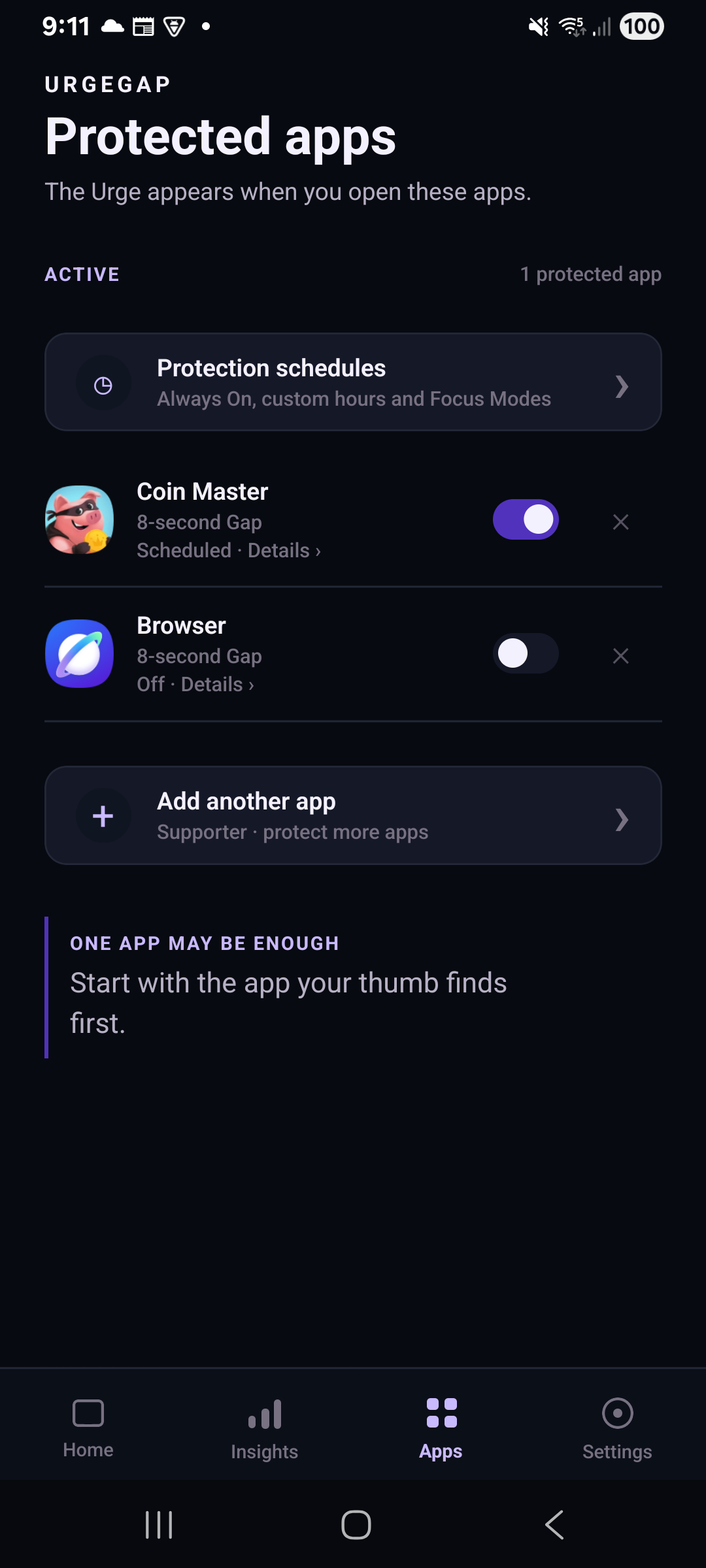
Pick the apps you want to protect. When one opens, the Gap gives you a moment to decide whether to continue.

Choose your apps
Select the apps where you want a little more space.

Meet the Gap
A short pause appears when a protected app opens.

Make your choice
Continue with intention or turn your attention elsewhere.

Notice your patterns
See the pauses you’ve taken and the choices you’ve made.
APP PROTECTION
Pause where it matters most.
Start with one protected app on Free, or protect more apps with Supporter.
Choose when protection is active with flexible schedules, including recurring days and overnight time windows. Supporter also lets you customize the Gap duration.
INSIGHTS
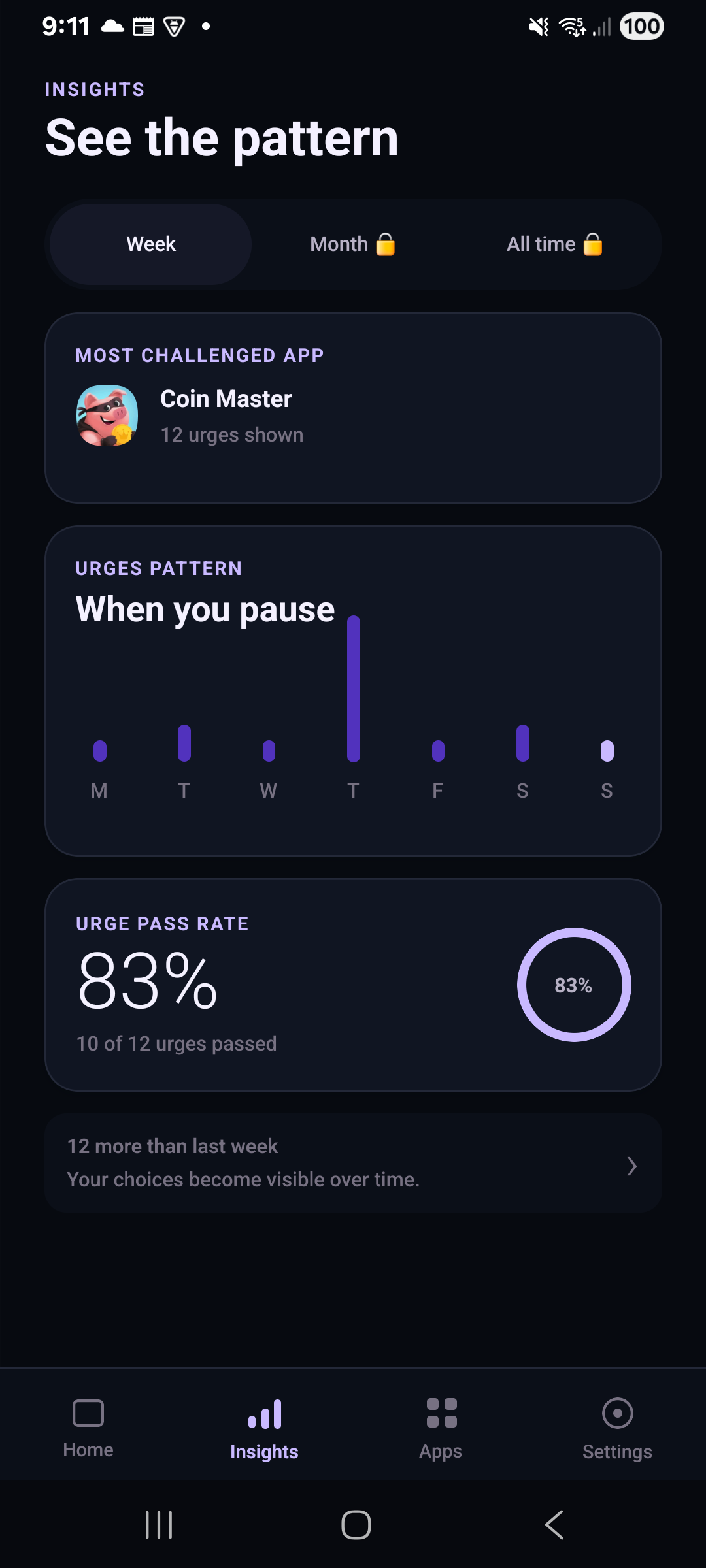
Understand your patterns.
Look back at your pauses and choices. Free includes weekly insights, while Supporter adds monthly and all-time views.App screenshots show URGEGAP branding. Displayed figures are not evidence of product effectiveness.

YOUR NEXT MOMENT
Start with one small pause.
Explore how URGEFLIP fits into your day.App screenshots show URGEGAP branding. Displayed figures are not evidence of product effectiveness.
Explore the app